
Sold the same item twice? A cross-listing fix
Presto Bee Team · · 3 min read
Jump to
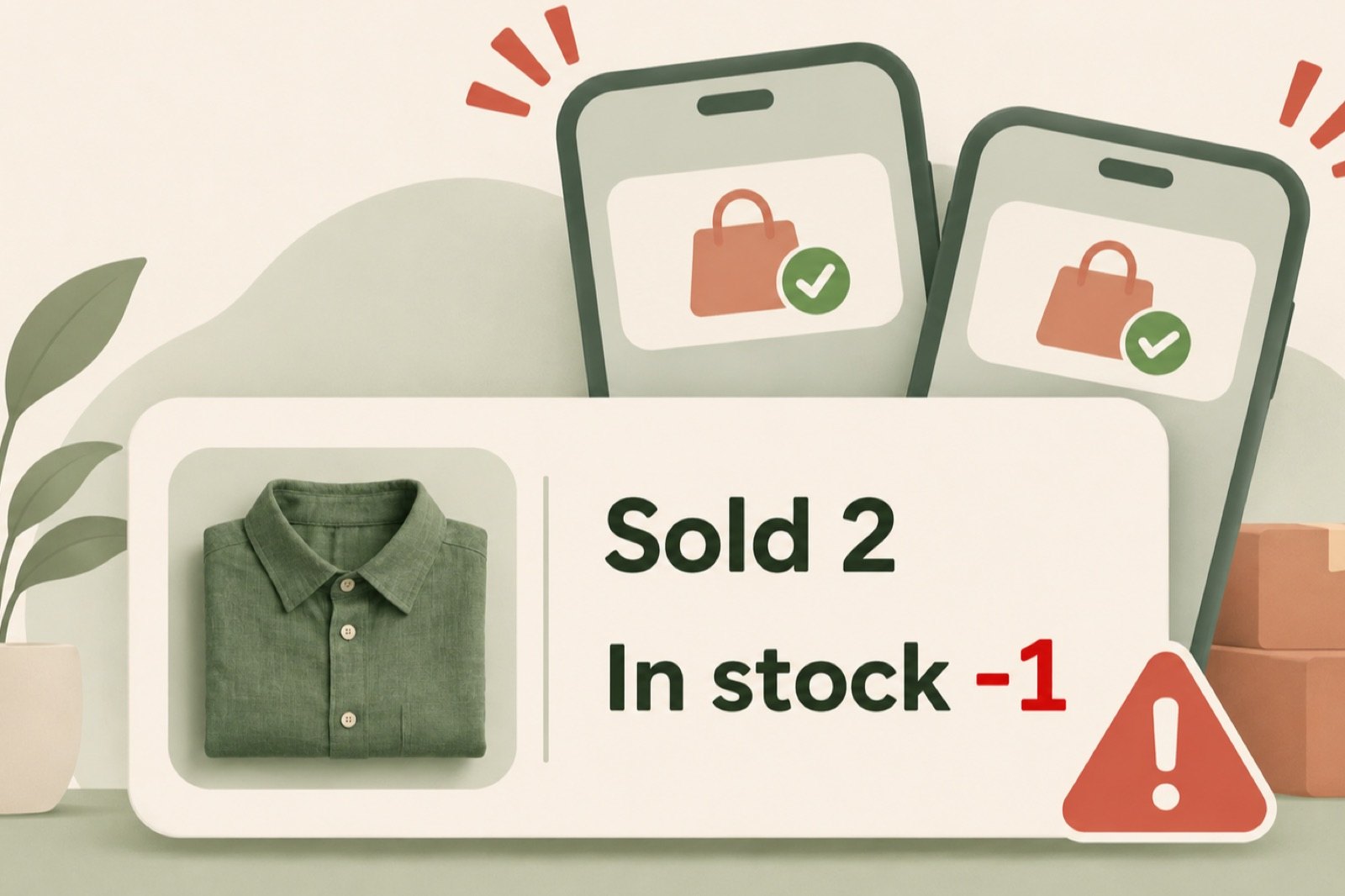
You sell a green linen shirt on Mercari for $28. You find it in its bin, check the seams and start folding it into a mailer. Then another notification arrives: the same shirt just sold on eBay.
You only had one.
Now you have a buyer to disappoint, an order to cancel and extra work attached to a sale that should have been good news.
This is the standing risk of cross-listing one-of-a-kind items. The answer is not to cross-list less. It is that automatic delisting helps you avoid it without turning every sale into a tour of your marketplace accounts.
Why one sale can become two orders
Cross-listing gives the same item more chances to find a buyer. But each marketplace only knows about its own listing. For eg - Mercari has no idea the shirt is also on eBay, so when it sells on Mercari, the eBay listing stays live and anyone can still buy it.
The longer that listing stays up, the longer someone can buy a shirt you can no longer have available.
Taking it down by hand means opening eBay, finding the listing and ending it. For one sale, that is quick. Across dozens of items on three or four marketplaces, it is a chore attached to every sale, and it only takes one forgotten listing for an item to sell twice.
Mark it sold once, and let Presto Bee take down the rest
For items you’ve listed through Presto Bee, marking an item sold lets Presto Bee handle delisting the corresponding listings from your other connected marketplaces automatically. You manage that step in one place instead of opening each marketplace and removing the item separately
That keeps the record in the same place you manage the listings, rather than in a second checklist of which marketplace you visited. It also leaves your attention for the physical part: finding the shirt, checking it against the listing and getting it packed.
If it has already sold twice
Cancel the order you cannot fill, and message that buyer first so the refund is not a surprise.
How to cancel an order on Poshmark?
You can cancel before the order ships. On the web:
1. Open Seller Hub, then Sales, and select the order. 2. Select Problems/Order Inquiry, then Cancel Order. 3. Pick a reason from the menu and select Submit.
In the app, it is the Me tab, then Sales, then the same steps. Poshmark says cancellations above 3% of your orders over a rolling 90 days can affect your account standing (Poshmark: how to cancel my sale).
How to cancel an order on eBay?
1. Go to Orders in Seller Hub, find the order, and choose Cancel order from More actions. 2. Choose the accurate reason. An out-of-stock cancellation counts as a transaction defect, and picking a different reason to avoid it is against eBay's rules. 3. If it was a single-quantity Buy It Now listing, select No next to Relist item?, or eBay puts the item back up for sale. 4. Select Submit.
A buyer who paid through eBay checkout is refunded automatically (eBay: how sellers can cancel an order).
How to cancel an order on Mercari?
1. Message the buyer to say you are canceling. 2. Open the order's status page and tap Refund buyer at the bottom. 3. Confirm the cancelation. The buyer is refunded to their original payment method.
Mercari allows this before shipping when you cannot fill the order (Mercari: how to cancel a transaction).
How to cancel an order on Depop?
Refunds are sent from the Depop app:
1. On iPhone, tap My Depop, open the Sold tab, select the order, scroll to Manage your sale and tap Refund sale. 2. On Android, tap Selling Hub, then Sold items, select the order and tap Refund sale.
The refund comes out of your Depop Balance, or your top-up card if the balance is short. If the buyer paid with PayPal, refund them in PayPal instead (Depop: how do I refund a buyer?).
Check one item before it sells
Cross-listing earns its keep when the shirt reaches more buyers and still sells exactly once.
For your next one-of-a-kind item, use Presto Bee to create its marketplace listings and handle delisting from the same place. When it sells, you can spend more of your attention getting it to its new owner.
FAQ
Does Presto Bee delist my other listings when an item sells?
When you mark an item sold in Presto Bee and that sale uses up its last unit, it offers to delist the item's other linked listings, each one ticked by default, and sends the requests to take them down when you press Queue delists. A sale that leaves units in stock is recorded without delisting anything. You can also untick a marketplace, or choose "Skip, I'll handle it" to record the sale without delisting.
Which marketplaces can it delist from?
The marketplaces you can cross-list to from Presto Bee: Poshmark, Mercari, Depop and eBay. eBay removals go through your connected eBay account. Poshmark, Mercari and Depop removals run through the Presto Bee Helper Chrome extension, using the accounts you are already signed in to, so they need Chrome open with the Helper connected. An imported eBay listing may still need ending on eBay by hand.
Will it delist a listing I made outside Presto Bee?
Only if that listing is linked to the item in Presto Bee, for example because you imported it. A listing Presto Bee has never seen will not be taken down, so remove it yourself. An imported eBay listing may still need ending on eBay by hand, and the item's row will show DELIST FAILED if so.
If I cancel an eBay order because the item already sold elsewhere, will eBay relist it?
For a single-quantity Buy It Now listing, yes, unless you select "No" next to "Relist item?" while cancelling. If the buyer paid through eBay checkout, eBay refunds them automatically; otherwise you are responsible for issuing the refund. Cancelling because an item is out of stock counts as a transaction defect, so choose that reason honestly rather than a different one.
For smarter reselling
Know your profit. Grow your sales.
Get practical reselling tips, marketplace fee updates, and free tools to keep more of what you earn.
Free insights. No spam. Unsubscribe anytime.